← Projects — CIS 296
SportsPro Technical Support
A full-stack ASP.NET Core MVC web application for managing sports software technical support, including customers, products, technicians, incidents, and product registrations.
Overview
SportsPro Technical Support is an ASP.NET Core MVC application that provides a structured platform for managing technical support operations for sports management software. The system allows administrators to manage customers, products, and technicians, while tracking open and resolved support incidents. Technicians can log in via a session-based selection flow to view and update only the incidents assigned to them.
Features
- Full CRUD management for Customers, Products, and Technicians
- Incident tracking with filtering by open, closed, or all incidents
- Session-based technician and customer selection workflows across requests
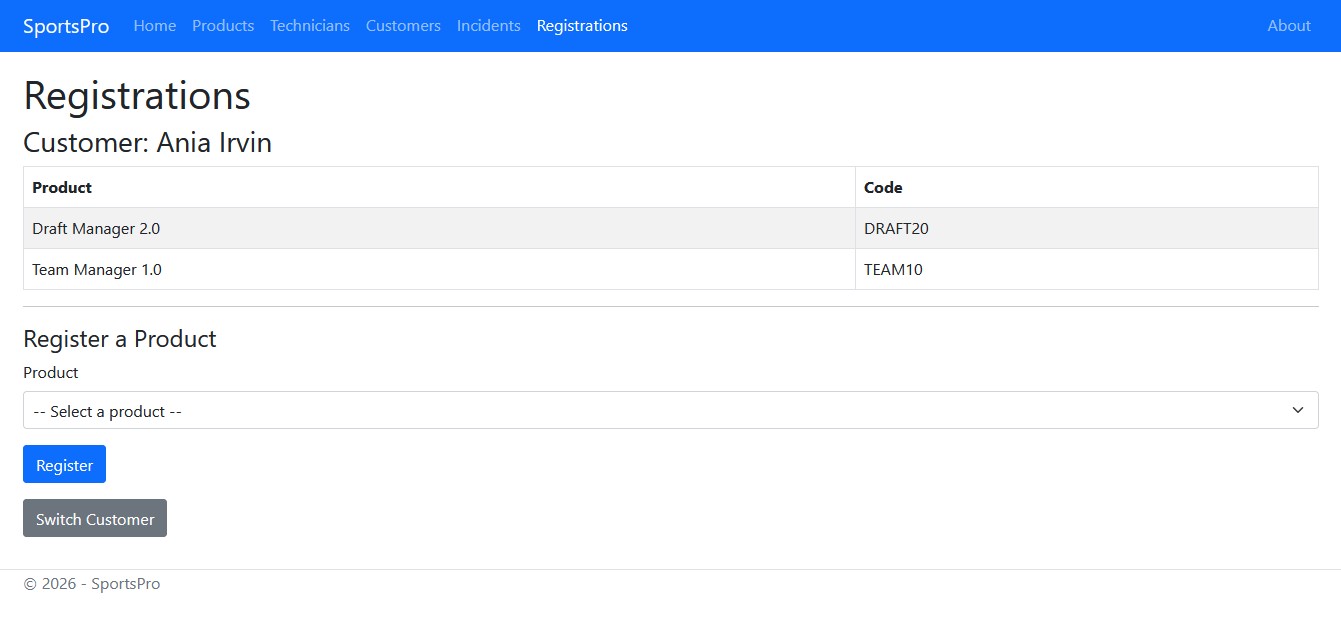
- Product registration linking customers to the products they own
- Technician-specific incident view showing only assigned cases
- Repository and Unit of Work design pattern abstracting all data access
- Input validation using Data Annotations and a dedicated
ValidationController - View models (
IncidentFormViewModel,IncidentListViewModel) decoupling UI from domain models
Screenshots
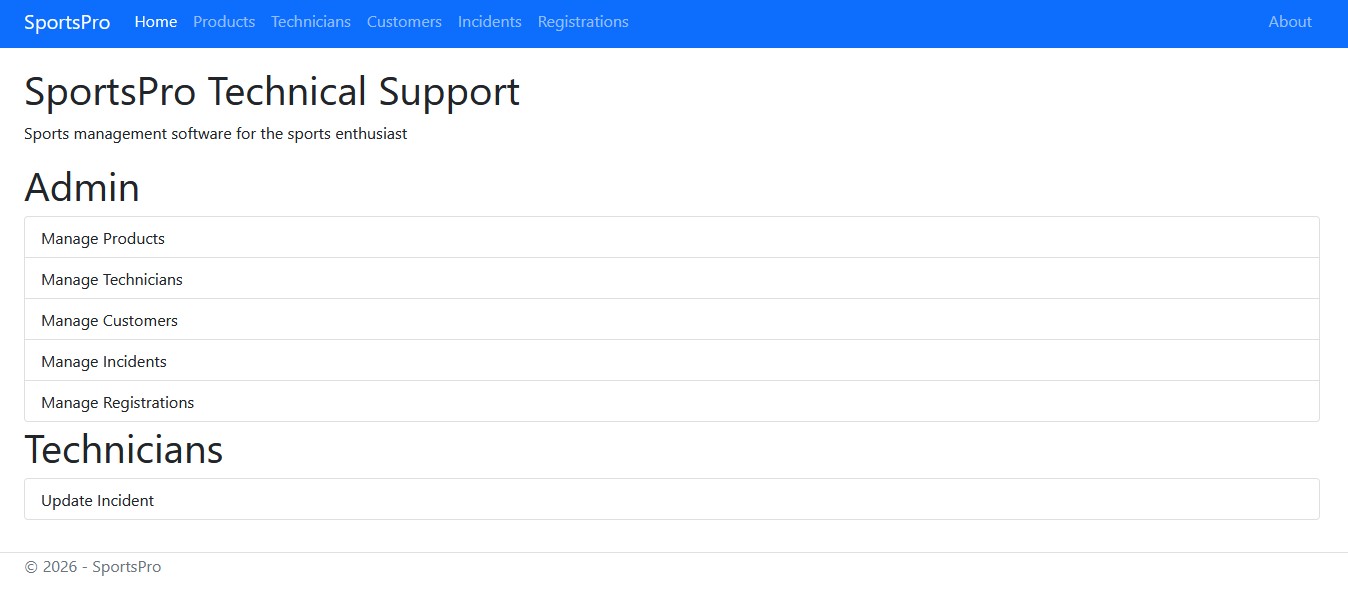
Home Page
Registrations Page
Code Highlights
@* Views/Incident/Edit.cshtml — ViewModel-bound form with dynamic title *@
@model IncidentFormViewModel

@{
    string title = Model.OperationMode + " Incident";
    ViewData["Title"] = title;
}

<h1>@ViewData["Title"]</h1>

<form asp-action="Edit" method="post">
    @* Nested ViewModel property binding — IncidentID lives inside CurrentIncident *@
    <input type="hidden" asp-for="CurrentIncident.IncidentID" />

    @* Dropdowns are populated from ViewModel collections (Customers, Products, Technicians) *@
    <div class="mb-3">
        <label asp-for="CurrentIncident.CustomerID" class="form-label">Customer</label>
        <select asp-for="CurrentIncident.CustomerID"
                asp-items="Model.Customers" class="form-select">
            <option value="">-- Select --</option>
        </select>
    </div>

    <button type="submit" class="btn btn-primary">Save</button>
    <a asp-controller="Incident" asp-action="List" class="btn btn-secondary">Cancel</a>
</form>
Challenges & Solutions
Challenge: Keeping controller logic clean while supporting multiple related entities (Customers, Products, Incidents, Technicians) backed by a single database context.
Solution: Implemented the Repository and Unit of Work patterns so each controller depends only on IUnitOfWork, keeping data-access concerns fully separated from controller logic.
Challenge: Allowing technicians to work within a session-scoped context without requiring a full authentication system.
Solution: Used ASP.NET Core session middleware with custom SessionExtensions and a SportsProSession model to store and retrieve the selected technician across HTTP requests.